Skip to content

Kingsoft productivity suite · 2026

WPS Office: free Word, Excel, PowerPoint and PDF

A free Kingsoft office suite that opens Microsoft files and PDFs in one window. Used on hundreds of millions of devices, and light enough for a laptop that still has 8 GB of RAM.

Windows macOS Linux Android iOS

Official installer: wps.com/download · Store ID 9NSGM705MQWC

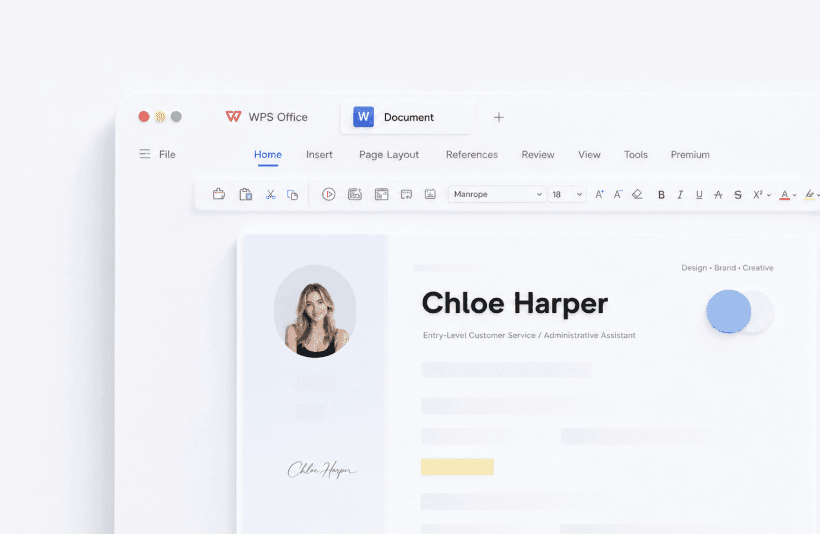
WPS Writer with a familiar ribbon and a resume document open

676M

Monthly active devices in Kingsoft’s H1 2026 report

1988

Year the first WPS word processor shipped on DOS

47

File formats the suite can open or convert

4.5★

Google Play score on ~6 million ratings (Gizmodo, Aug 2026)

What WPS Office actually is

WPS stands for Writer, Presentation, and Spreadsheets. Kingsoft added a PDF toolkit later, then Photo tools and WPS AI. The product you install today is one desktop process with tabs - closer to a browser than to four separate Microsoft apps.

That design is why people switch after they cancel Microsoft 365. They still receive .docx, .xlsx, and .pptx files from school or work. They also receive PDFs that need a date changed, a signature dropped, or a merge. Paying Adobe and Microsoft at the same time feels like two subscriptions for one desk.

This handbook is independent. Kingsoft’s official product site remains wps.com. We do not host installers. We do explain what the free build includes, where it fails, and how other people recovered from a crash or a bad PDF.

If you arrived from a search for “WPS Office download,” “WPS vs Microsoft Office,” or “recover unsaved WPS file,” start with the matching guide and keep a copy of the original file. Compatibility is a test you run on your own documents, not a slogan on a store listing.

Key takeaways

  • Download only from wps.com/download or Microsoft Store 9NSGM705MQWC.
  • Everyday Word, Excel, and PowerPoint files usually open. Giant VBA workbooks and niche legal templates may not.
  • The PDF toolkit is the usual reason people cancel a second subscription. Long convert/OCR jobs often need Premium.
  • Turn on Auto Backup the first night. Recovery steps: unsaved files.
  • This site is not Kingsoft. It is an English handbook with checklists and sources.

What’s inside the suite

Each module can live in its own tab. You can keep a report, a budget, a slide deck, and a contract PDF open without launching four programs.

Someone writing on a laptop in a bright home office

01 · Documents

WPS Writer

The Word stand-in. It opens .doc and .docx, keeps styles and a table of contents, and understands comments plus track changes well enough for school papers and most client copy. Mail merge sits under Mailings. Turn on Auto Backup the first night - see file recovery.

It still loses on heavy legal templates, Word VBA macros, and books with delicate wrap-around figures. Round-trip a copy before you overwrite a file from a law firm.

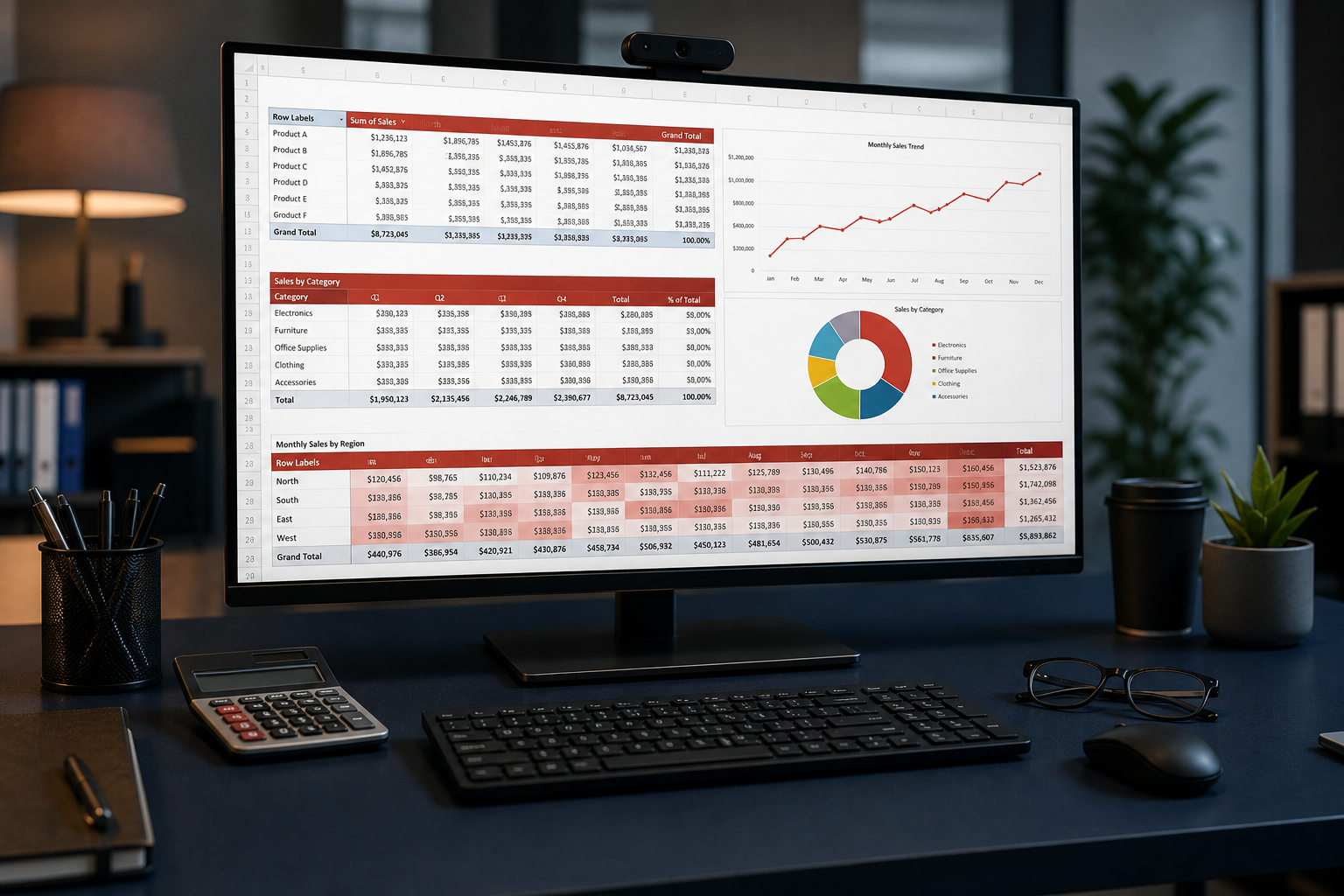
Monitor showing spreadsheet charts on a dark desk

02 · Data

WPS Spreadsheet

Excel-compatible sheets, charts, and hundreds of formulas. Fine for household books, attendance lists, and a client invoice workbook. CSV from a bank import works if you watch the delimiter and leading zeros on account numbers.

Bookkeepers keep Microsoft Excel for 15-tab VAT models and VBA. If you see #NAME?, the function is missing. If the file is .xlsm, assume macros will not run the way they do in Excel.

Conference room screen showing a slide deck

03 · Slides

WPS Presentation

PowerPoint-style decks with speaker notes, transitions, and AI Slides that draft a first outline from a paragraph. Students use it without a campus Microsoft license. Founders use it to get past a blank title slide.

Preview fonts on the machine that will face the audience. Carry a PDF spare. Fancy motion paths are the animations that break when the file goes back to PowerPoint.

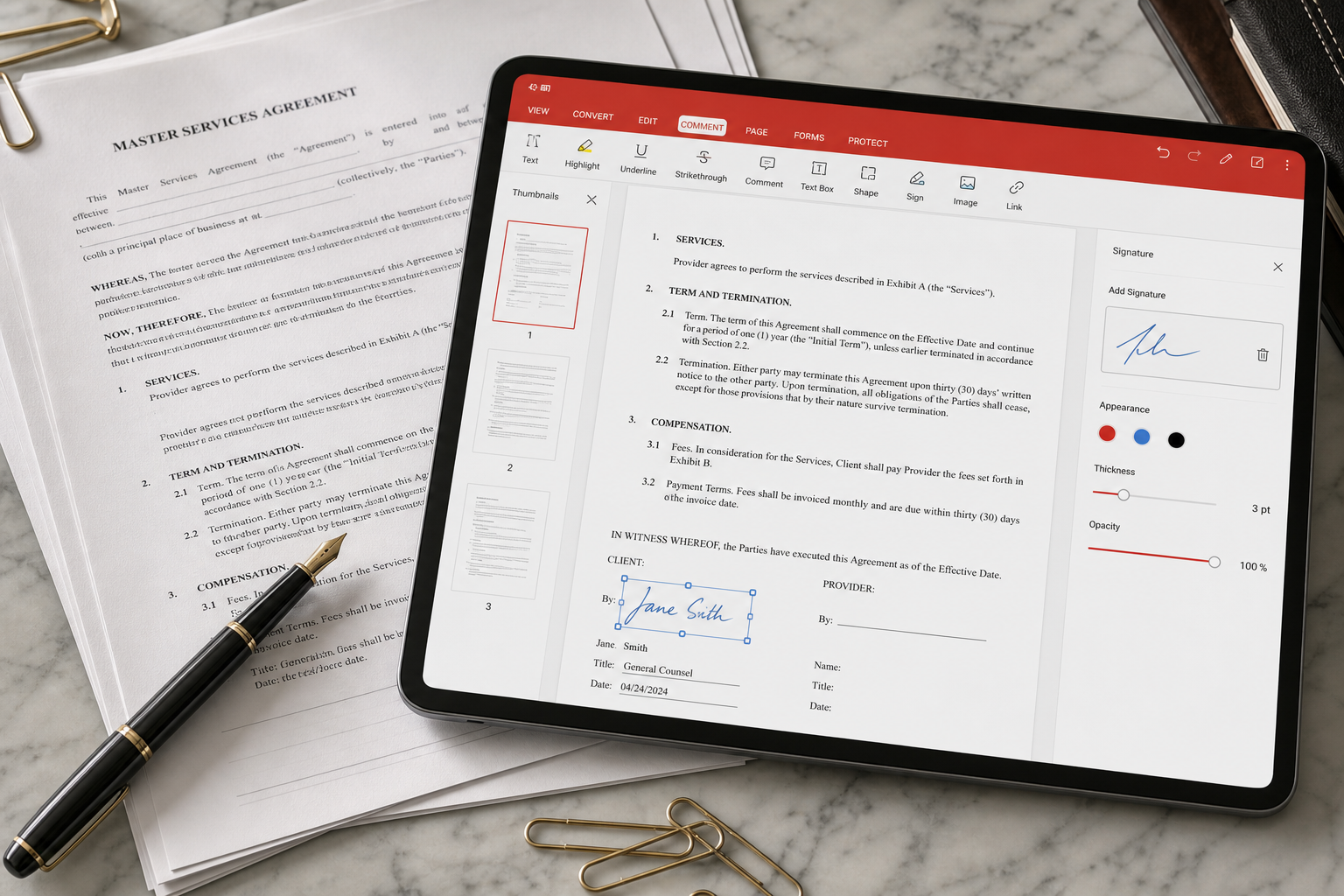
Tablet showing a PDF editor next to printed contracts

04 · Files that arrived as PDF

WPS PDF toolkit

This is the module that wins dinner arguments. You can view, annotate, convert, merge, split, compress, watermark, encrypt, and sign without opening Acrobat. On a born-digital PDF you can often select a paragraph and change a date the way you would in Writer.

Long PDF-to-Word jobs and OCR on scans are the usual Premium gates. Start with PDF to Word or a file that will not open.

A person using an AI writing assistant next to a laptop

WPS AI

A copilot inside the file - not in another tab

Kingsoft now folds AI into Writer, Sheets, Slides, and PDF. The useful jobs are first drafts, tone changes, “explain this column,” AI Slides from a short brief, and asking a 40-page PDF what it actually says. The failure mode is the same as every other assistant: confident mistakes, invented citations, and formulas that miss a row.

  • 1Generate into a new document. Never overwrite the only copy of a contract.
  • 2Check every number against the source spreadsheet or invoice.
  • 3Kingsoft says prompts are not used for training without permission. Still keep medical and client-secret text off the copilot.
Read the AI notes

Who WPS Office is for - and who should stay put

The suite is not a personality test. It is a file-format decision. Match the software to the files you already receive.

Students

Essays, citations, and 12-slide reports without a campus license. Turn on Auto Backup before the next hostel outage. Export a PDF handout the night before the seminar PC eats your fonts.

Freelancers

Statements of work in Writer and date changes on PDF contracts. Many people pay Premium for one OCR-heavy month, then drop back to Free.

Home and small shop

Invoices, lists, and family documents on a cheap Windows laptop. Cloud is handy; it is not a vault. Keep a disk copy of anything you cannot rewrite.

Linux desktops

Official .deb and .rpm packages still exist. LibreOffice remains the default for many teams; WPS is the exception for stubborn .pptx files. Skip unofficial “cracked” builds.

Stay on Microsoft 365 or Google if…

Your job is a shared Excel model with VBA or Power Query. Legal sends Word files full of content controls. Ten people type in the same doc all day and live in Gmail. You need Outlook and Teams as one identity. Those are ecosystem problems, not missing buttons. Details sit on the comparison page.

What people did after they installed it

Editorial composites drawn from public reviews, tech press, and Kingsoft’s help center. The failures are real even when the names are illustrative.

All stories
Freelancer reviewing a document at a kitchen table

Freelance designer · Austin

Cancelled 365 because the work was PDF, not Outlook

Maya kept Writer for client copy. The feature that stuck was editing PDF body text instead of stamping annotations on a flattened page. She still budgets one month of Premium when a client sends a 40-page scan.

Accountant working at night with dual monitors

Bookkeeper · Manchester

Budgets were fine. The 18-tab VAT file was not.

Daniel’s home laptop has 8 GB of RAM. WPS starts faster than Microsoft Office. His firm’s shared VAT workbook does not. He exports bank CSV into Spreadsheet and refuses to treat that as a purity test.

University student working on a laptop outdoors

Student · Pune

Ads first. Then a recovered 2,000-word essay.

Priya quieted some prompts in Settings. A hostel outage taught her Auto Backup: Menu → Backup and Recovery brought the essay back. She now saves to Cloud when campus Wi-Fi works. See ads and recovery.

Linux user at a dark desk with a mechanical keyboard

Sysadmin · Berlin

On Ubuntu it is still the least painful Office clone

Leo’s team standardized on Ubuntu. LibreOffice is the default; WPS is the exception for finicky .pptx files. He installs only the official .deb and checks fonts before a client call.

WPS Office vs the suites people already have

Prices move by country. This table is about capabilities. Kingsoft’s homepage lists roughly 1 GB cloud on Free and 20 GB on Pro+AI - a marketing snapshot, not a contract.

Need WPS Office Free WPS Premium / AI Microsoft 365 Google Workspace
Word / Excel / PowerPoint filesEveryday filesEveryday filesBest for complex filesGood via Drive; layout can shift
Edit a PDF like a documentView + limited saveFull toolkitExport-first; Acrobat extraLight annotate
Works offline on a cheap PCExcellentExcellentHeavierNeeds cache
Upgrade prompts on FreePossibleMostly goneNoNo
Mail and team chatNoNoOutlook + TeamsGmail + Meet + Chat

Full notes: WPS vs Microsoft 365 vs Google vs LibreOffice.

Download WPS Office from a door you can name

The installer is free. The danger is look-alike download buttons. Confirm the publisher is Kingsoft Office Software before you click Run.

  • 1Kingsoft: wps.com/download for Windows, Mac, Linux, and mobile.
  • 2Microsoft Store: listing 9NSGM705MQWC when Group Policy blocks random EXE files.
  • 3Phones: Google Play or the App Store. Use the same Kingsoft account if you want Cloud sync.

If a channel offers “WPS Premium cracked,” close it. Premium is a subscription on your account, not a patched binary. Full walkthrough: download guide.

Open official download
Laptop, tablet, and phone showing the same synced document

A short history so the name makes sense

1988-1989

A Chinese word processor for DOS

WPS began as Super-WPS, often credited to Qiu Bojun and the Kingsoft circle, when mainland China needed a Chinese-language editor before Microsoft Office arrived.

2010s

A free suite that speaks Office

The product became Writer, Spreadsheets, and Presentation with a ribbon people already knew. Mobile apps followed. Compatibility with .docx / .xlsx / .pptx is the reason it left China.

2025-2026

PDF, Cloud, and WPS AI

Kingsoft now reports on the order of 670+ million monthly active devices. The homepage pitch is AI Copilot plus Cloud Docs. The everyday reason to install it is still “one app, Microsoft files, and a PDF toolkit.”

Common questions about WPS Office