
Jobs the toolkit actually finishes
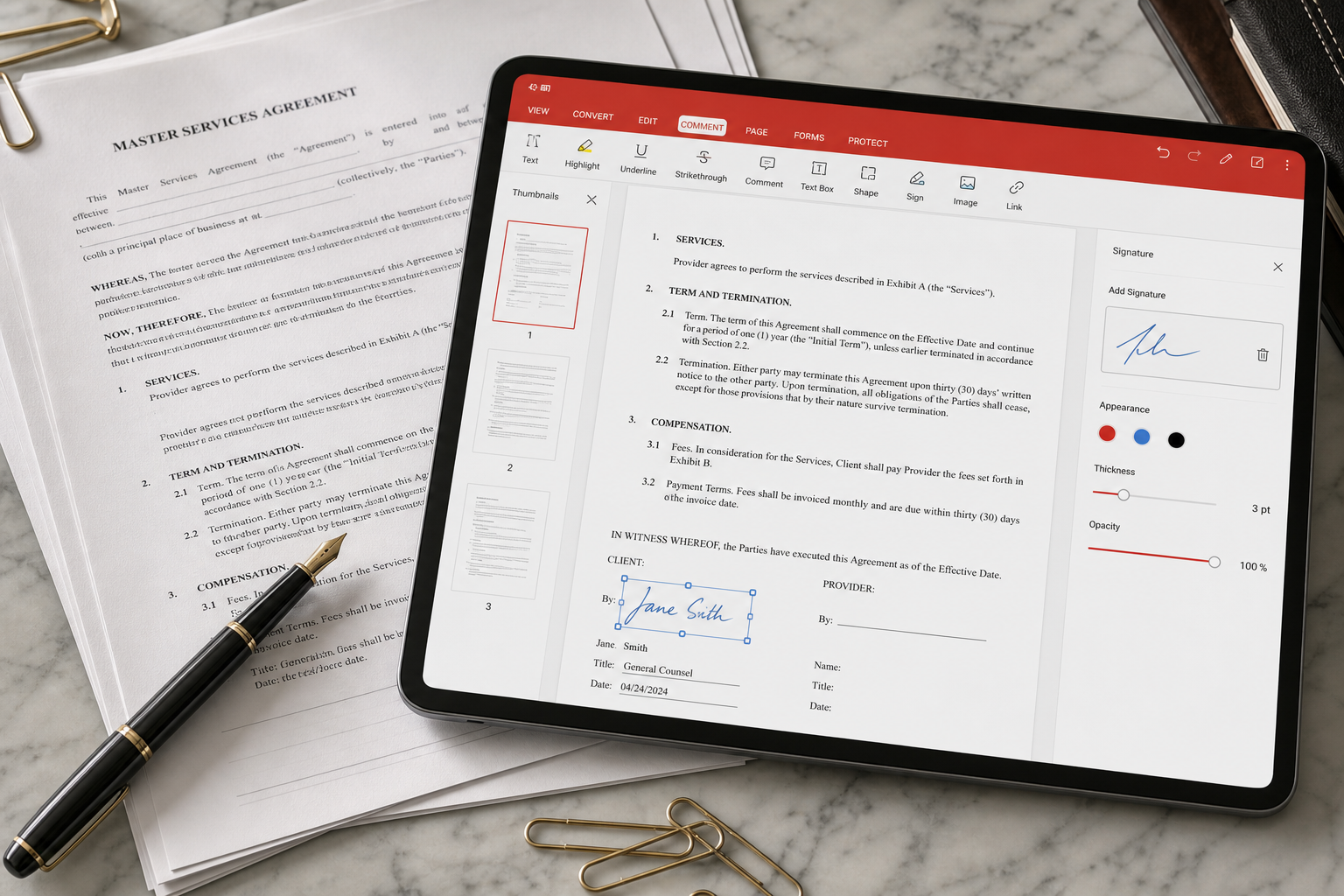
- Highlight and comment on a reading list.
- Change a date or a typo on a born-digital PDF (not a scan).
- Merge three statements into one attachment.
- Compress a 40 MB scan so email accepts it.
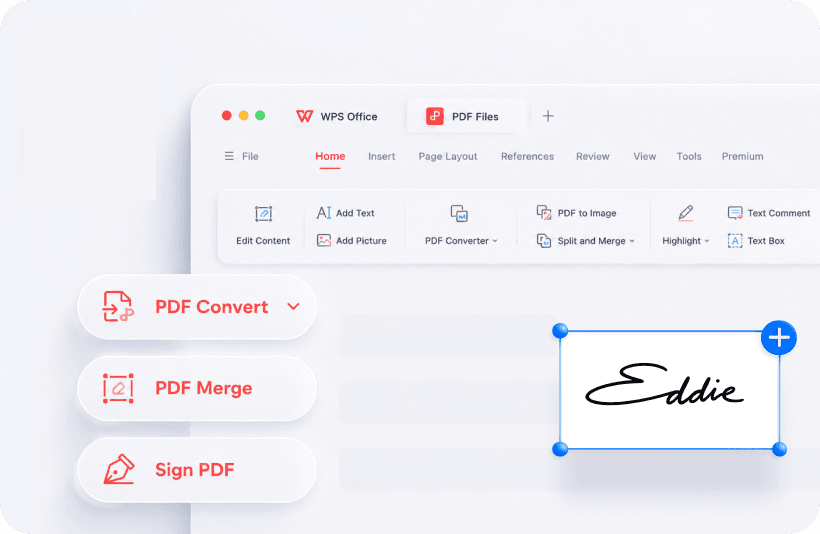
- Drop a PNG signature on the last page - then still send a proper e-sign if the lawyer asks.
Field note - Maya again
Maya’s line: “I can select a paragraph and change the date the way I would in Writer.” That is the difference between annotation-as-sticker and real edit. It fails on flattened scans - those need OCR first, and OCR is rarely free for long documents.
When to stop and use something else
- Interactive XFA forms from a government portal.
- Certificate-based digital signatures a court will audit.
- Prepress PDF/X work.
Walkthroughs: PDF to Word and file will not open.
A practical PDF week
Monday: annotate a reading list. Wednesday: merge three statements. Friday: compress a 40 MB scan so email accepts it. That is the job the toolkit was built for. Certificate-based signatures a court will audit are not.
If the PDF is a phone photo of a contract, reshoot it flat on a table before you run OCR. Decorative certificates and photographed whiteboards waste Premium minutes.
Related fixes
- PDF to Word when you need an editable draft.
- PDF will not open when the file is 0 KB or password-gated.
- Free vs Premium when the convert dialog asks for money.
WPS PDF editor vs Adobe Acrobat
Acrobat remains the standard for XFA forms, prepress PDF/X, and certificate-based signatures a court will audit. WPS PDF is the standard for “I need to change a date, merge three statements, and compress a scan before 17:00.” That is most people’s week.
Microsoft Word can open a PDF by converting it; layout often breaks. WPS treats PDF as a native module. If the file will not open at all, skip conversion and use the repair checklist.
Typical free-plan jobs
Highlight a clause, add a signature image, merge last month’s invoices, and shrink a scan for email. When the save dialog asks for Premium, decide whether this week’s files are worth a month of pay - see Free vs Premium.
Keep reading
- PDF to Word - Free page limits and OCR.
- Free vs Premium - When the save dialog asks for money.